You haven't signed in yet, you can have a better experience after signing in
*Please complete the payment within {{receiveCouponInfo.expire_at}}Previous use*
You haven't signed in yet, you can have a better experience after signing in



Activity Rules
1、Activity time:{{ info.groupon.start_at }} ~ {{ info.groupon.end_at }}。
1、Activity time:cease when sold out。
2、Validity period of the Group Buying:{{ info.groupon.expire_days * 24 }} hours。
3、Number of Group Buying:{{ info.groupon.need_count }}x。
Please Pay Attention
1、Teamwork process: Join/initiate a Group Buying and make a successful payment - Within the validity period, the number of team members meets the activity requirements - Group Buying succeeded!
2、If the number of participants cannot be met within the valid period, the group will fail, and the paid amount will be refunded in the original way.
3、The number of people required and the time of the event may vary among different products. Please pay attention to the rules of the event.
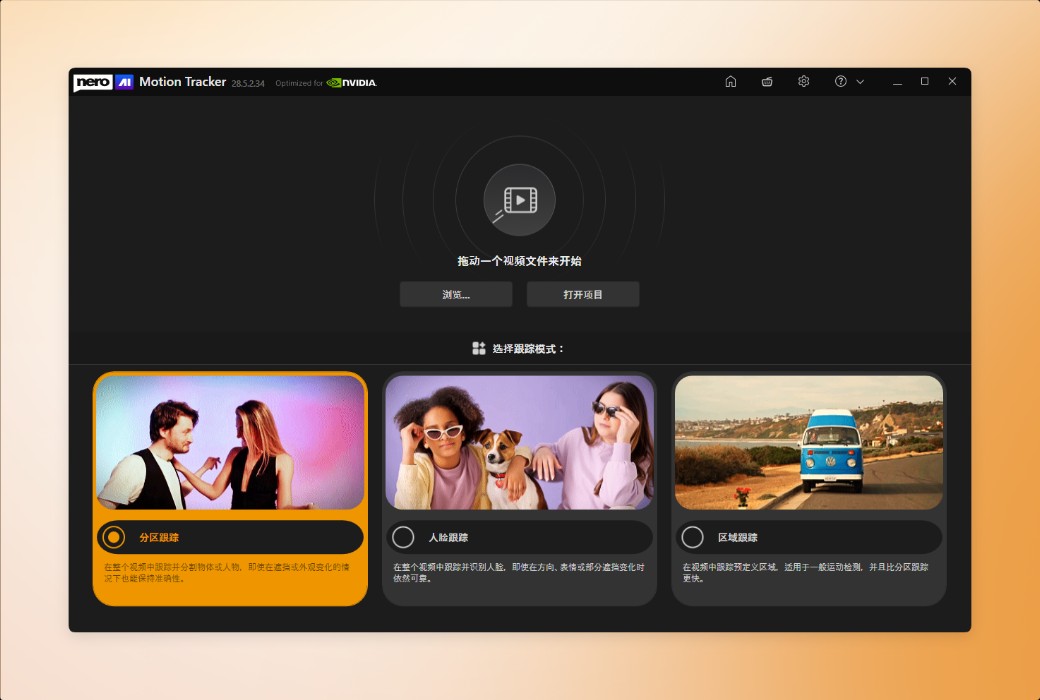
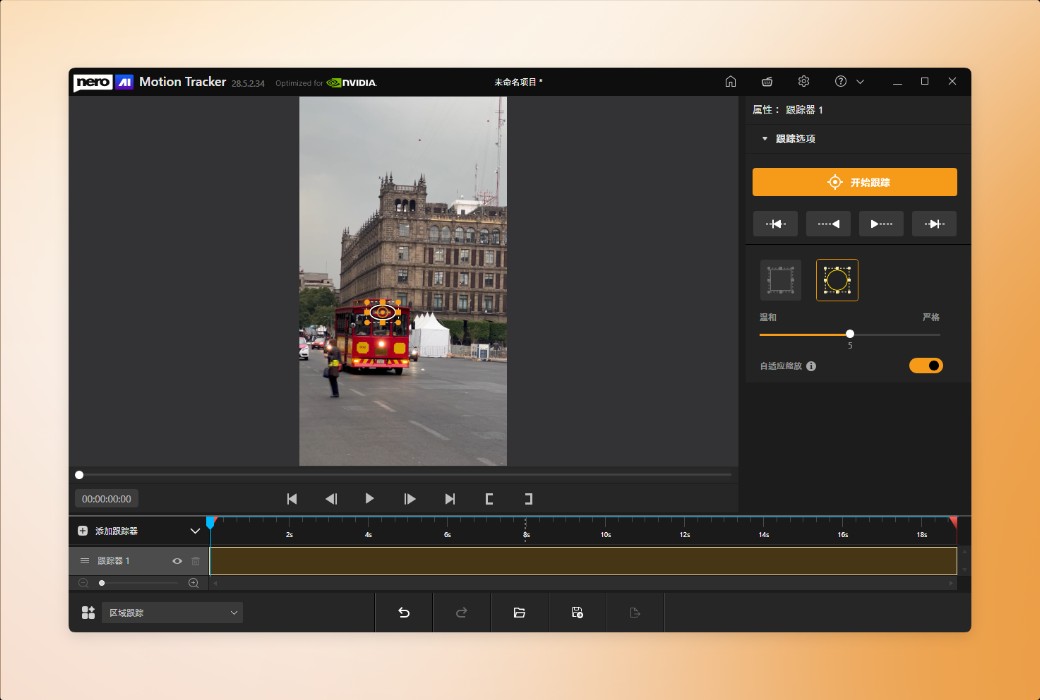
Automatically Track Any Object
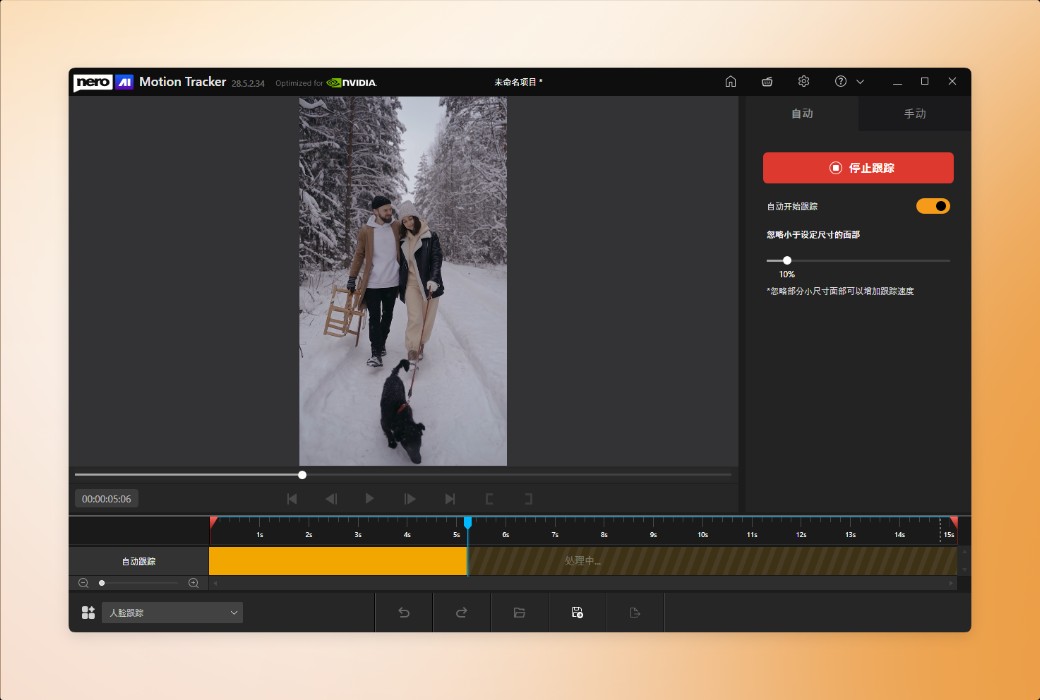
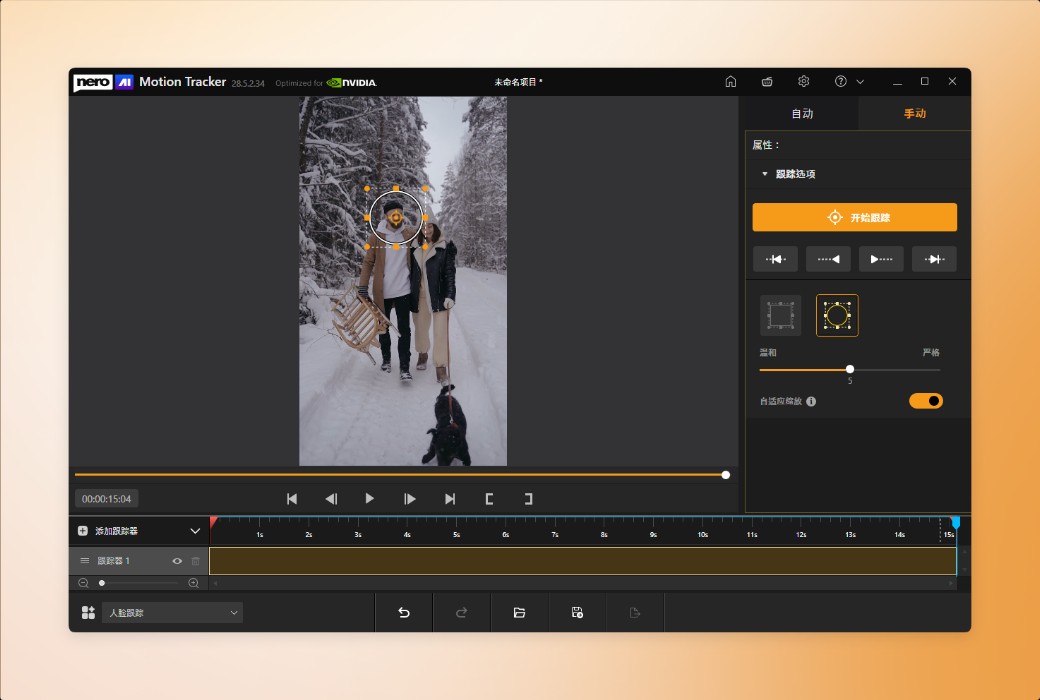
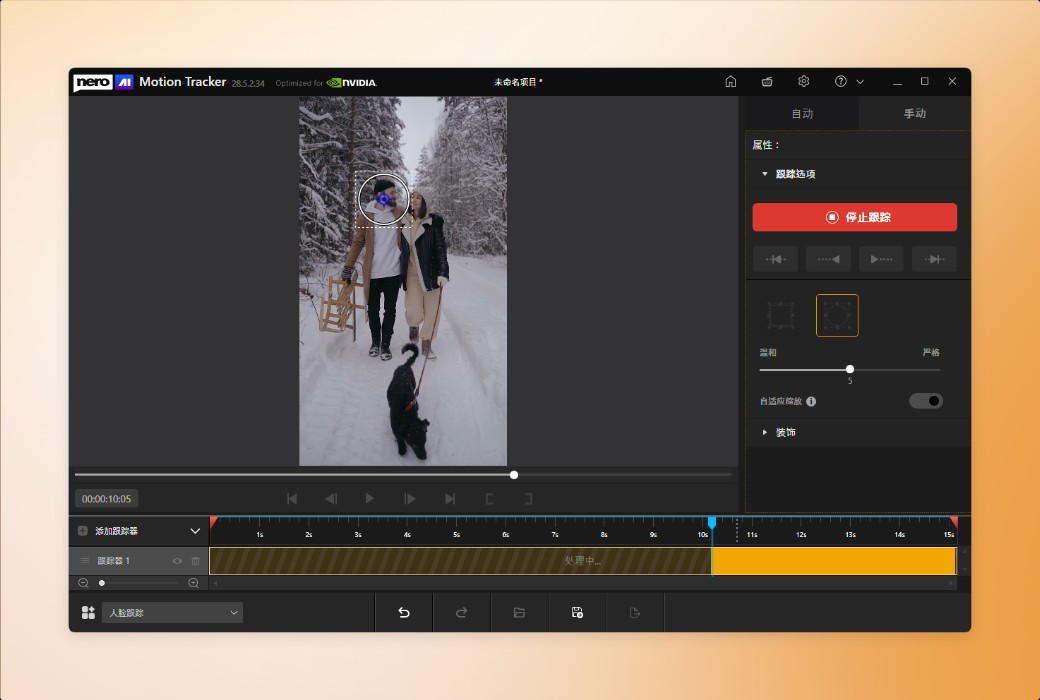
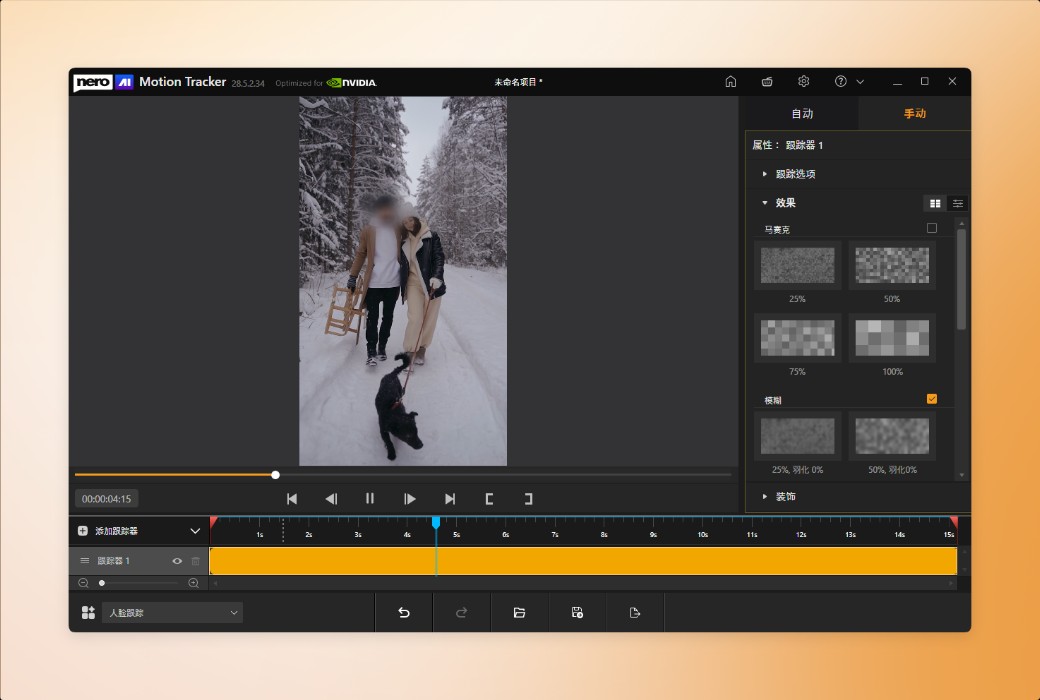
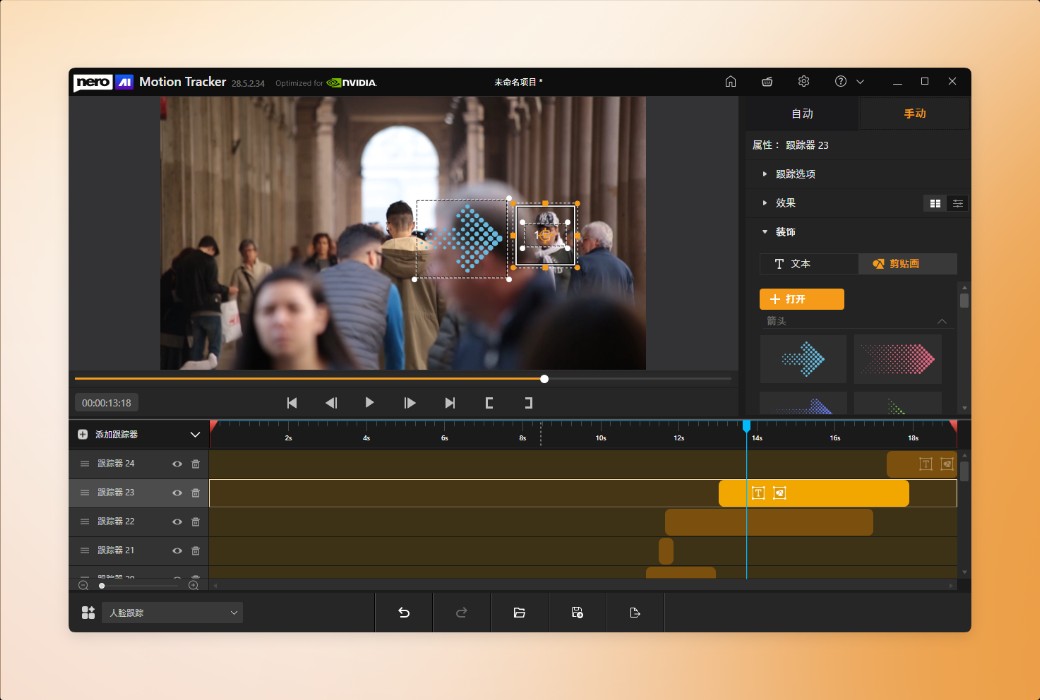
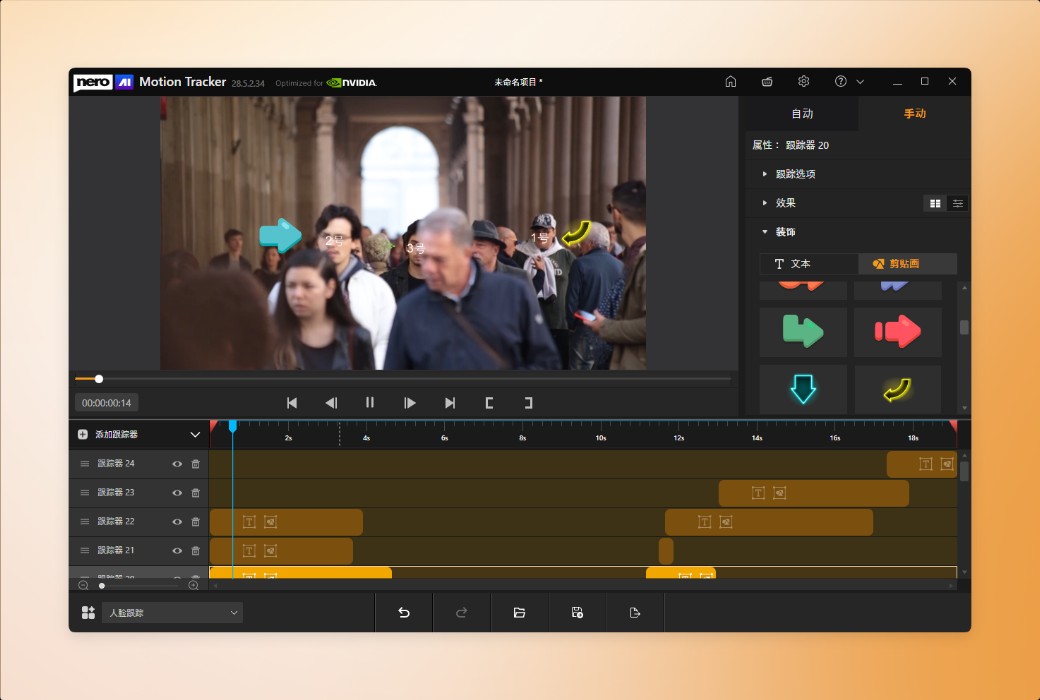
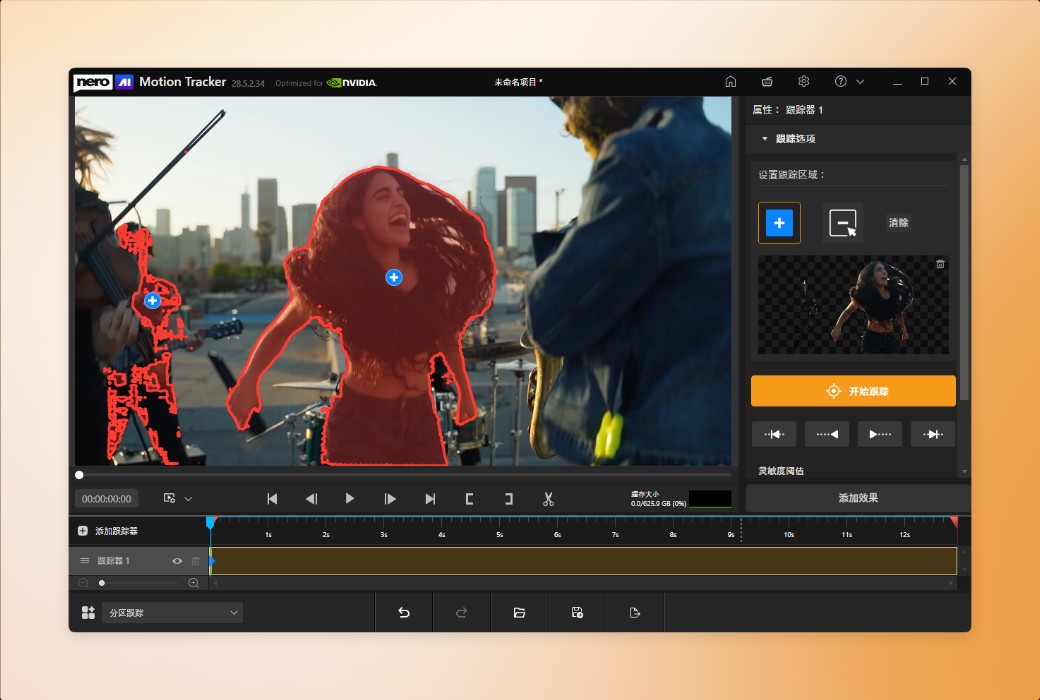
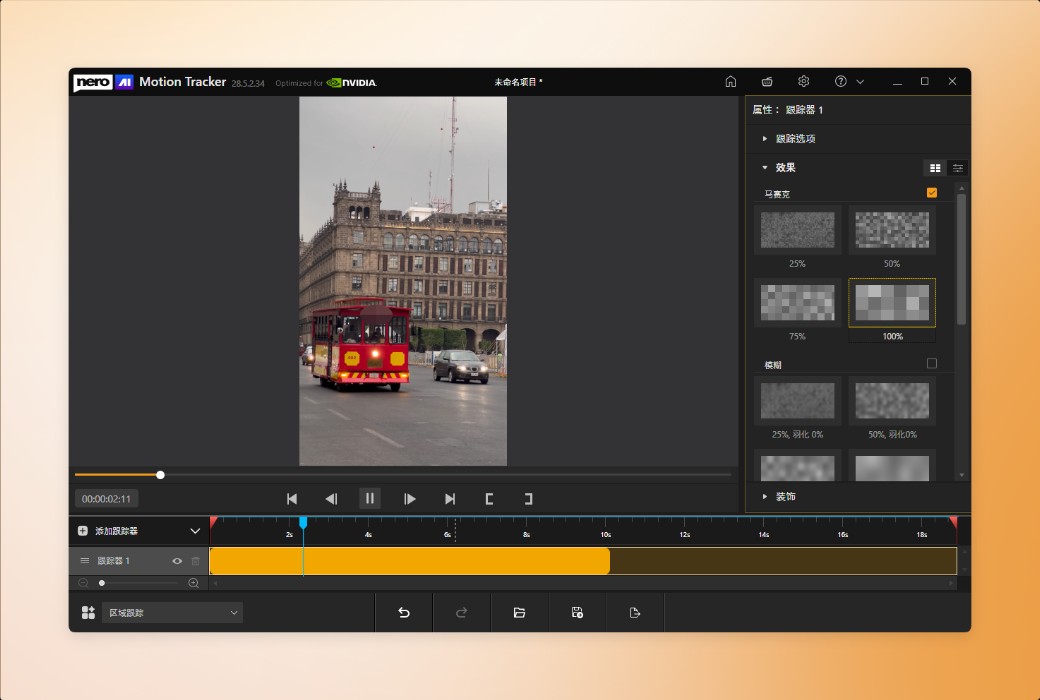
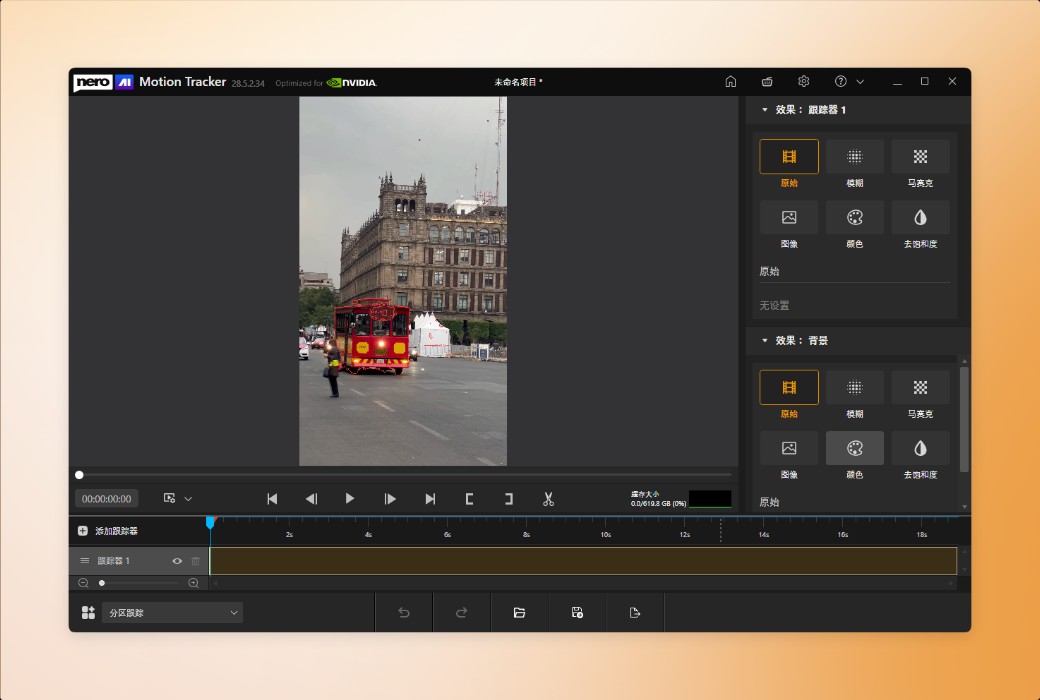
With Nero Motion Tracker, transform manual editing into automatic and precise processing. Utilize AI technology to track faces and objects, add mosaics with one click to hide sensitive information, and easily fix text on moving elements.
Track and Segment Any Object
Automatically Detect and Protect Faces
Quick Area Tracking and Export
Official Website:https://pcai.nero.com/motion-tracker
Download Center:https://nero-motion-tracker.apsgo.cn
Delivery Time: Automatic delivery within 24 hours
Operating Platform: Windows
Interface Language: Supports Chinese interface display, with multiple languages available.
Update Instructions: Lifetime version: Permanent use, with free updates for sub-versions (v28.x). 1-year version: Valid for 1 year, with updates and usage within the subscription period.
Trial Before Purchase: Free trial available before purchase.
How to Receive the Product: After purchase, the activation information will be sent to the email used for placing the order. You can also view the corresponding product activation code in your personal center, under "My Orders".
Number of Devices: Can be installed on 1 computer.
Changing Computers: Uninstall on the original computer and activate on the new one.
Activation Guide: To be added.
Special Instructions: To be added.
References:https://pcai.nero.com/motion-tracker

Any question

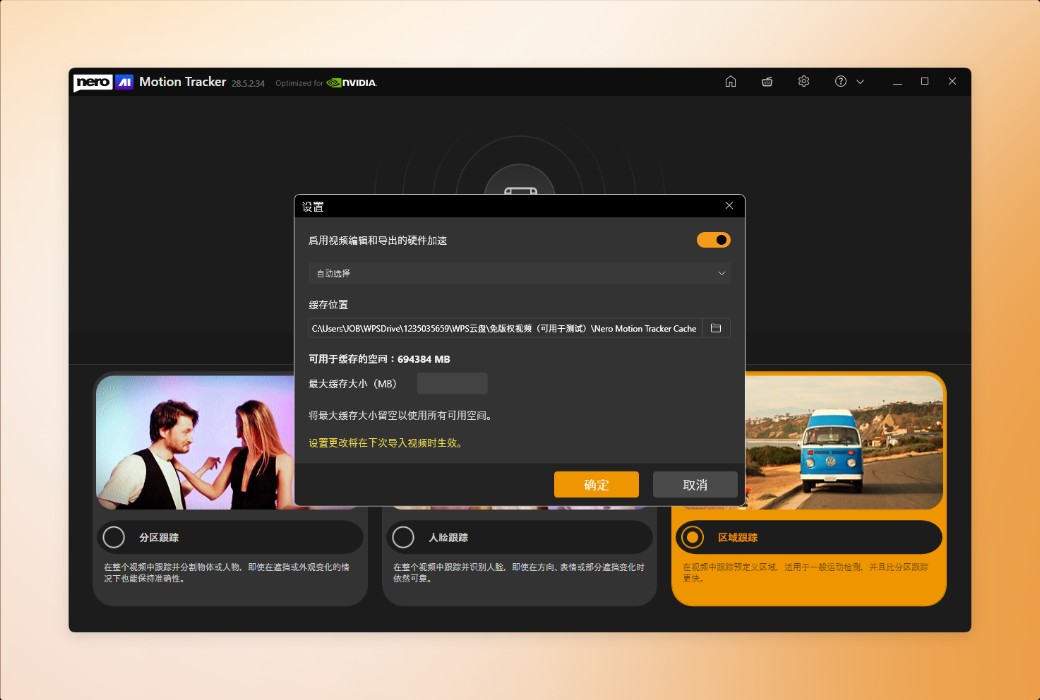
Driver update: Please ensure that your GPU driver is updated to the latest version.
Potential issues: Without the latest driver, you may experience symptoms such as the inability to detect tracked objects or extremely slow tracking speeds.